
Auto Screen Capture - Download
You'll be able to download in few seconds.
Publisher Description
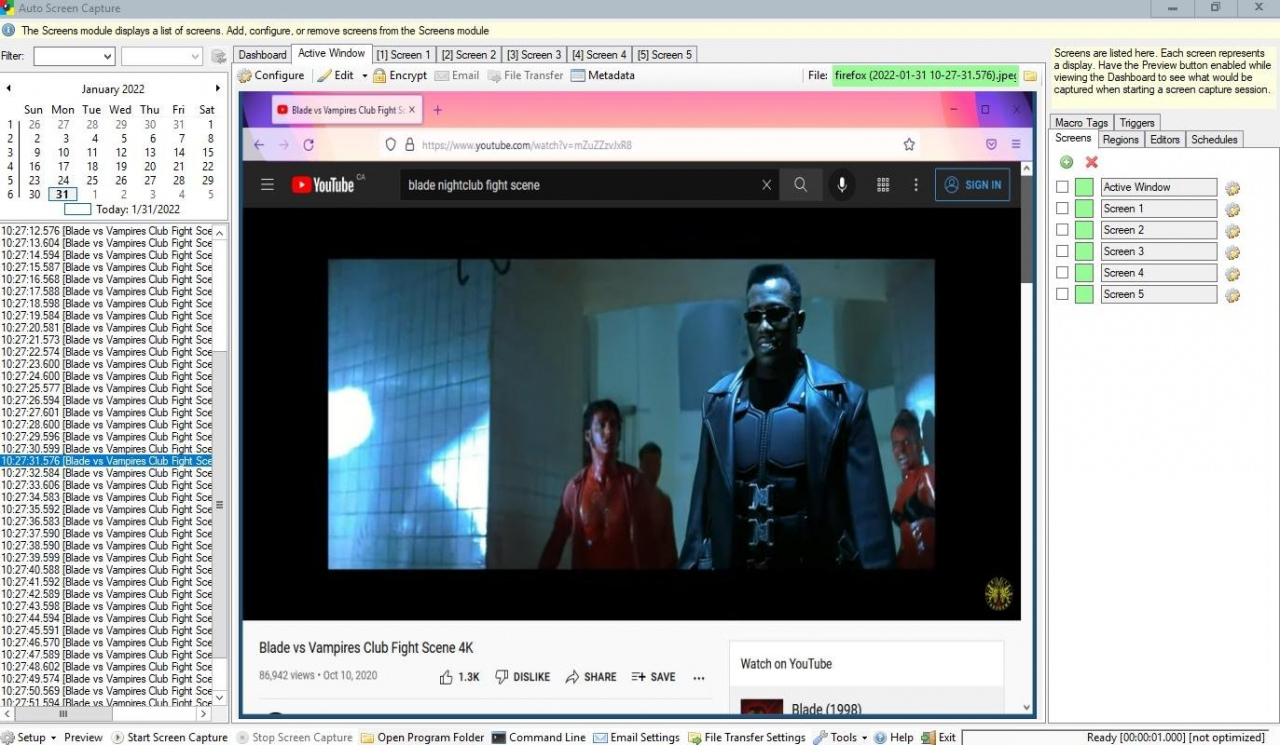
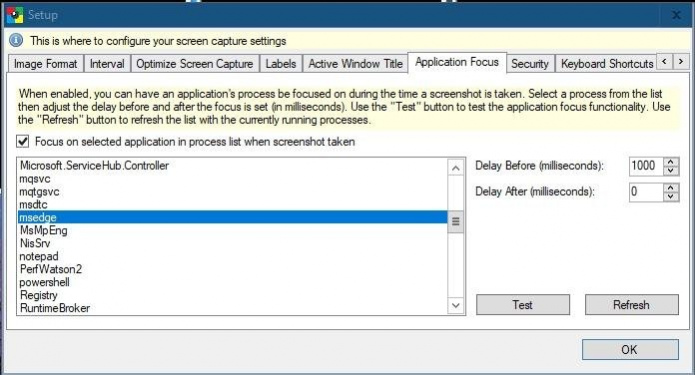
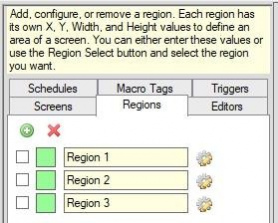
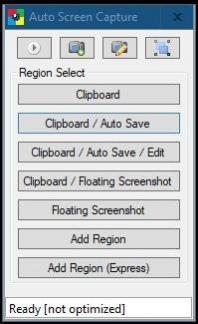
Auto Screen Capture takes screenshots while you work and play. This software is free and open source but if you find it useful then a small donation is appreciated!
- Either use the portable executable "autoscreen.exe" or the installation package "AutoScreenCaptureSetup.msi"
- Schedule screen capture sessions and choose the days when screenshots should be taken
- Customize the naming of files and use whatever folder structure you prefer
- Use your preferred image editors, applications, and scripts to edit and open screenshots
- Create actions to trigger based on conditions to automate workflows
- Preview what your screen captures will look like before you start a session
- Calendar shows what days screenshots were taken
- Capture multiple regions specifying X, Y, Width, and Height
- Save every screenshot to either a single, constantly updated, file or as a series of time-stamped files locally on your computer and/or on a shared network drive
- Image formats available: BMP, EMF, GIF, JPEG, PNG, TIFF, WMF
- Compatible with Windows XP/Vista/7/8/10/11
- Apply your own labels to screenshots to represent what you're working on so you can keep your projects organized
- Filter screenshots by label, active window title, or process name
- Control the application from the command line
- Run any application from a schedule
- Email screenshots with SMTP and upload screenshots with SFTP
- Force focus on an application by selecting it from the list of running processes
- Region Select / Auto Save to the Desktop with a keyboard shortcut (similar to the functionality on a Mac)
- Encrypt and decrypt screenshots, files, and text
About Auto Screen Capture
This Presentation Tools program is available in English. It was last updated on 13 October, 2026. Auto Screen Capture is compatible with the following operating systems: Linux, Mac, Windows.
The company that develops Auto Screen Capture is gavinkendall. The latest version released by its developer is 1.0 .
The download we have available for Auto Screen Capture has a file size of 12.1 MB. Just click the green Download button above to start the downloading process. The program is listed on our website since 2022-08-19 and was downloaded 0 times. We have already checked if the download link is safe, however for your own protection we recommend that you scan the downloaded software with your antivirus. Your antivirus may detect the Auto Screen Capture as malware if the download link is broken.
How to install Auto Screen Capture on your Windows device:
- Click on the Download button on our website. This will start the download from the website of the developer.
- Once the Auto Screen Capture is downloaded click on it to start the setup process (assuming you are on a desktop computer).
- When the installation is finished you should be able to see and run the program.
Program Details
System requirements
Download information
Pricing
Version History
version
posted on 2022-08-19
version autoscreen
posted on 2009-05-29
Several fixes and updates
Disclaimer
External Download
We do not host Auto Screen Capture on our servers. We did not scan it for viruses, adware, spyware or other type of malware. This app is hosted by the software publisher and passed their terms and conditions to be listed there. We recommend caution when installing it.
The external download link for Auto Screen Capture is provided to you by apps112.com without any warranties, representations or guarantees of any kind, so access it at your own risk.
If you have questions regarding this particular app contact the publisher directly. For questions about the functionalities of apps112.com contact us.
